
Remove Background from Image Instantly with AI
Delete image backgrounds in seconds. Perfect for e-commerce, design, and photos.
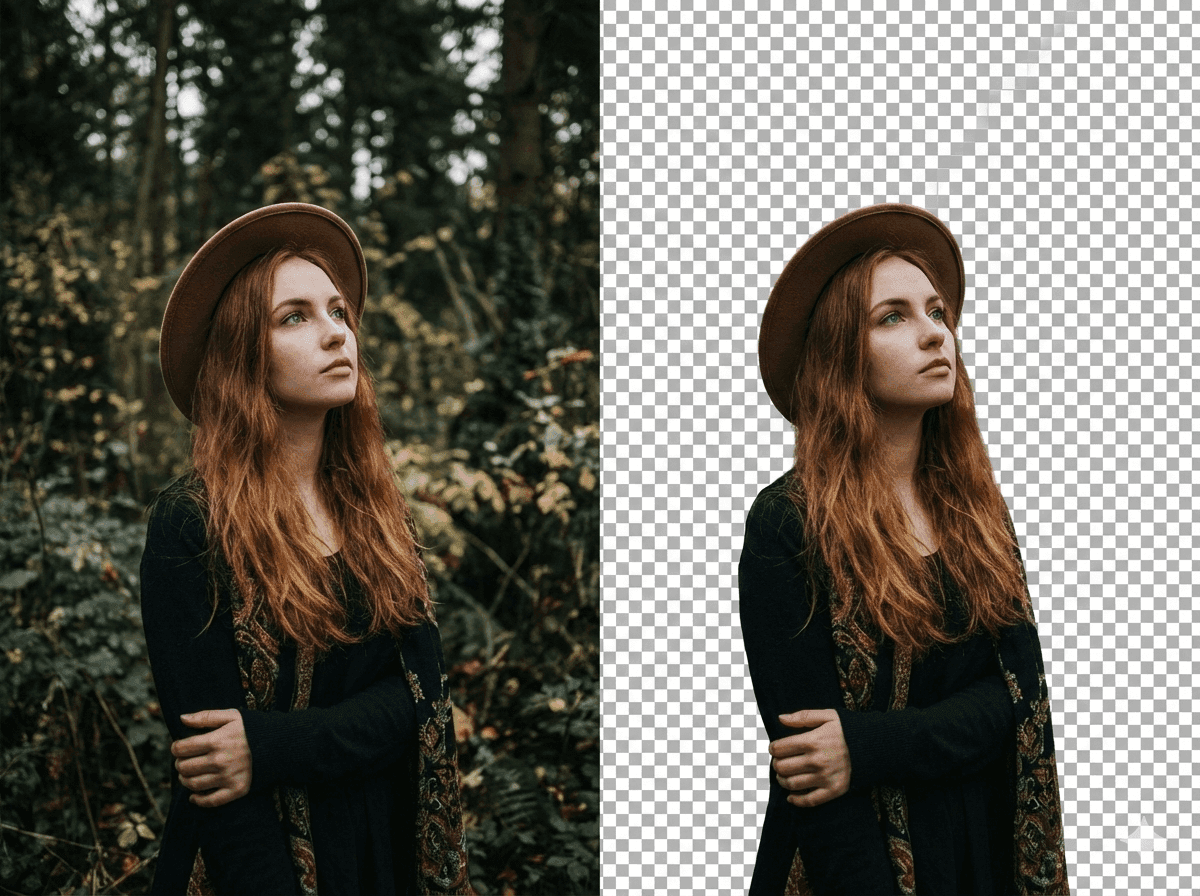
Remove Background from Image Instantly with AI
Delete image backgrounds in seconds. Perfect for e-commerce, design, and photos.
Why Choose NanoGPT Background Remover?
Fast and accurate AI background removal
- Lightning Fast: Remove backgrounds in under seconds with AI
- High Precision: AI-powered edge detection for clean cutouts
- No Signup Required: Start removing backgrounds instantly, no account needed
Who Uses Background Remover?
- E-commerce Sellers: Create white background product photos for listings
- Designers: Extract subjects for composite images and mockups
- Social Media Creators: Make transparent stickers and overlays
Frequently Asked Questions
- What image formats are supported?
- How accurate is the AI background removal?
Who this tool is for
This tool is for creators, marketers, online sellers, photographers, social media teams, and everyday users who need a focused image workflow in a browser.
Review results before use
AI results can vary with the source image and prompt. Check important details, colors, edges, and faces before publishing or using an image commercially.
AI Background Remover
How to Remove Image Background
3 simple steps to get a transparent PNG
Upload Image
Select or drag and drop your photo
AI Processes
Background removed automatically
Download PNG
Get transparent result instantly
Why Choose NanoGPT Background Remover?
Fast and accurate AI background removal
Lightning Fast
Remove backgrounds in under seconds with AI
High Precision
AI-powered edge detection for clean cutouts
No Signup Required
Start removing backgrounds instantly, no account needed
Who Uses Background Remover?
E-commerce Sellers
Create white background product photos for listings
Designers
Extract subjects for composite images and mockups
Social Media Creators
Make transparent stickers and overlays
Frequently Asked Questions
What image formats are supported?
We support PNG, JPG, WebP, and more. Output is always transparent PNG.
How accurate is the AI background removal?
Results vary by image. Clear subjects and strong contrast generally produce cleaner edges, while fine hair, transparency, and complex backgrounds may need additional editing.